AI converts video to PDF — and designs every page.
AI catches every word and every detail on screen, picks out the key frames, and shapes it all into chapters, steps and visuals — laid out as a print-ready PDF.
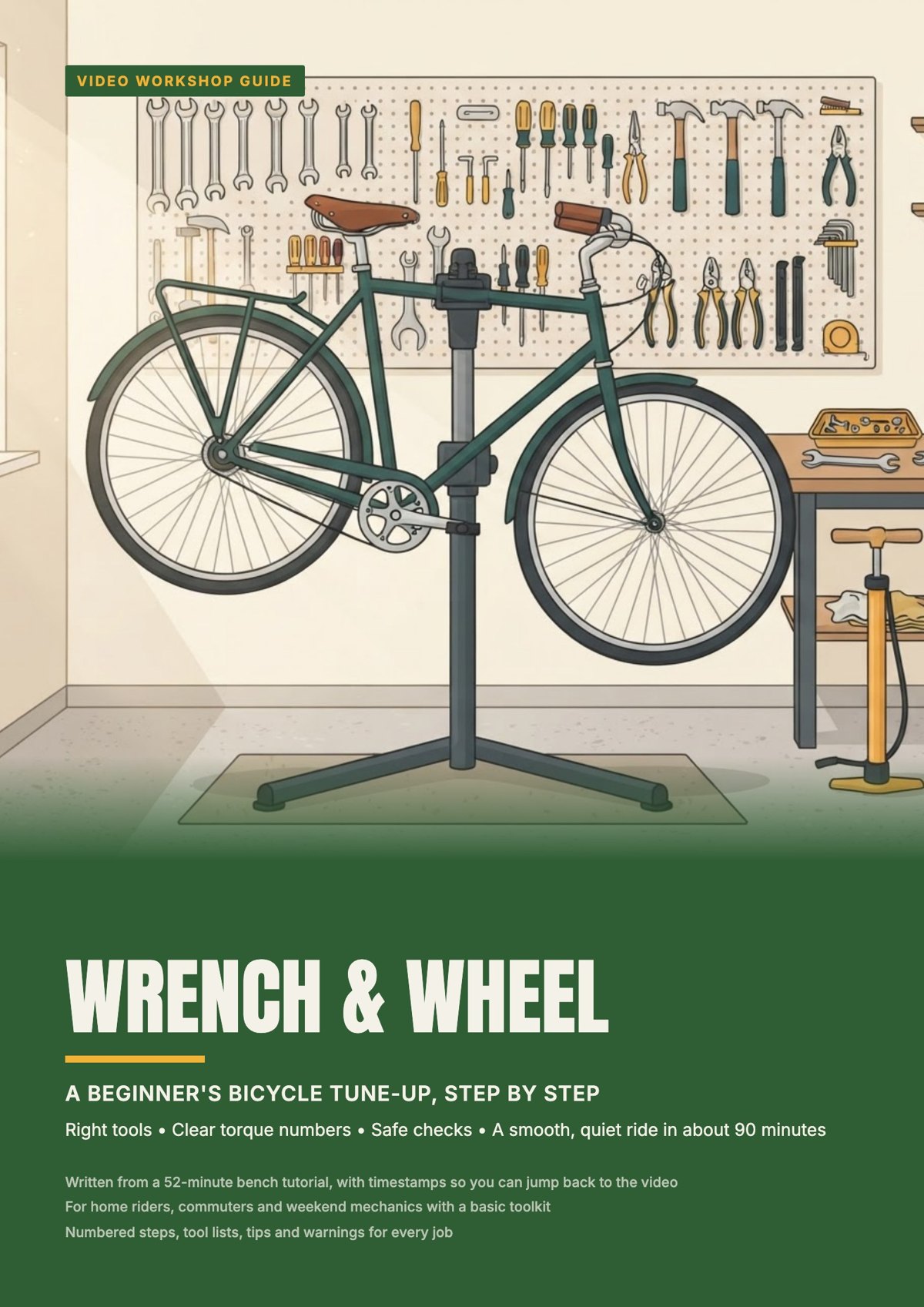
…or pick a look you like
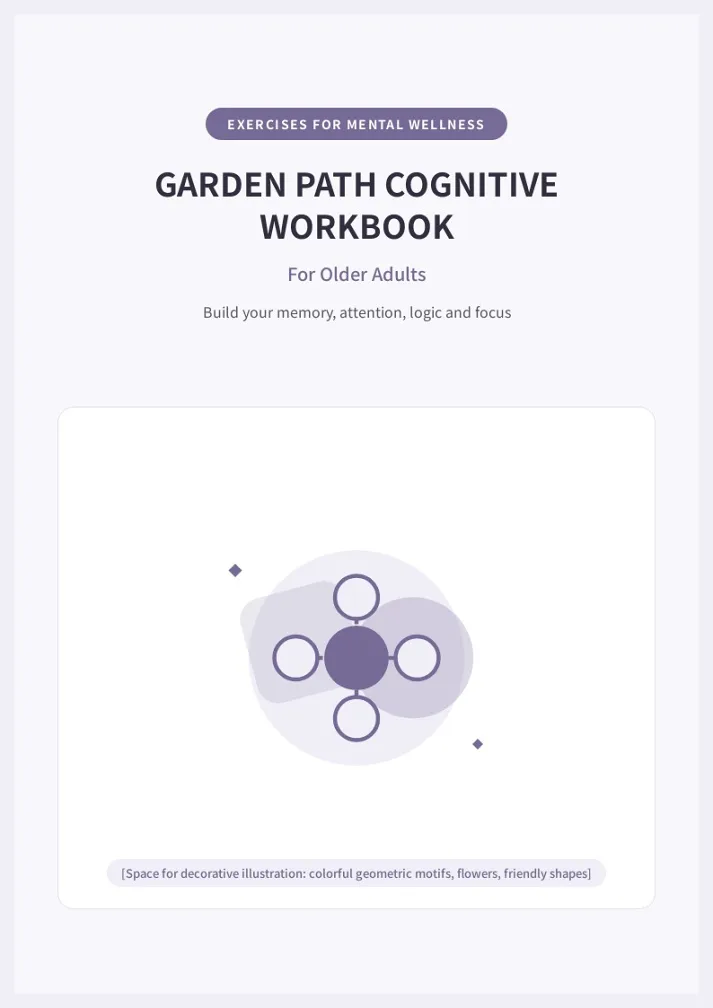
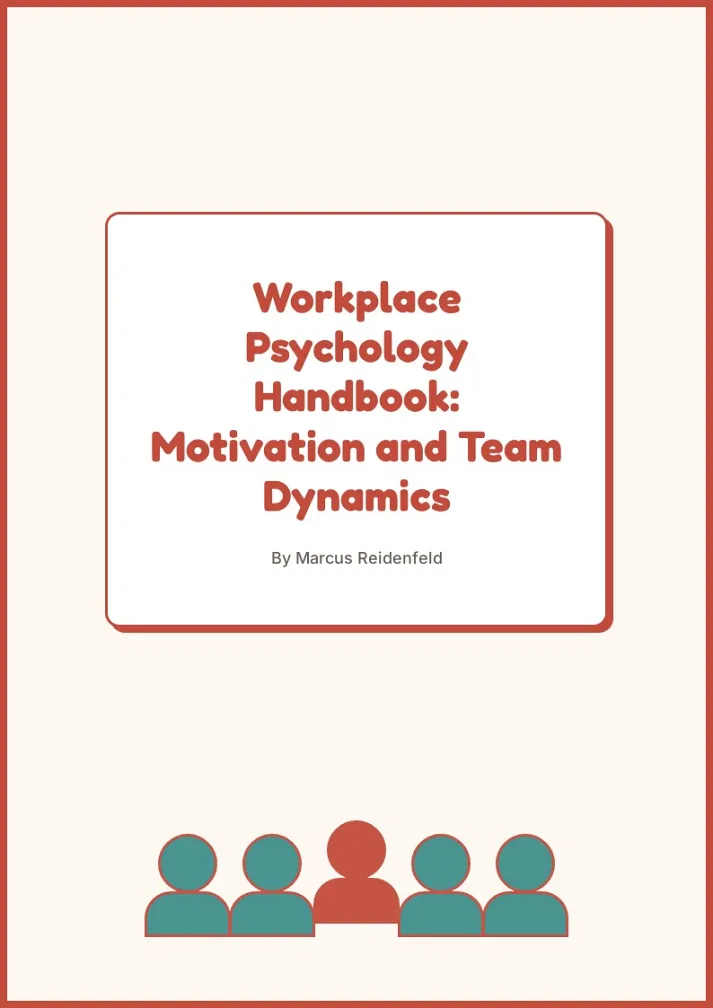
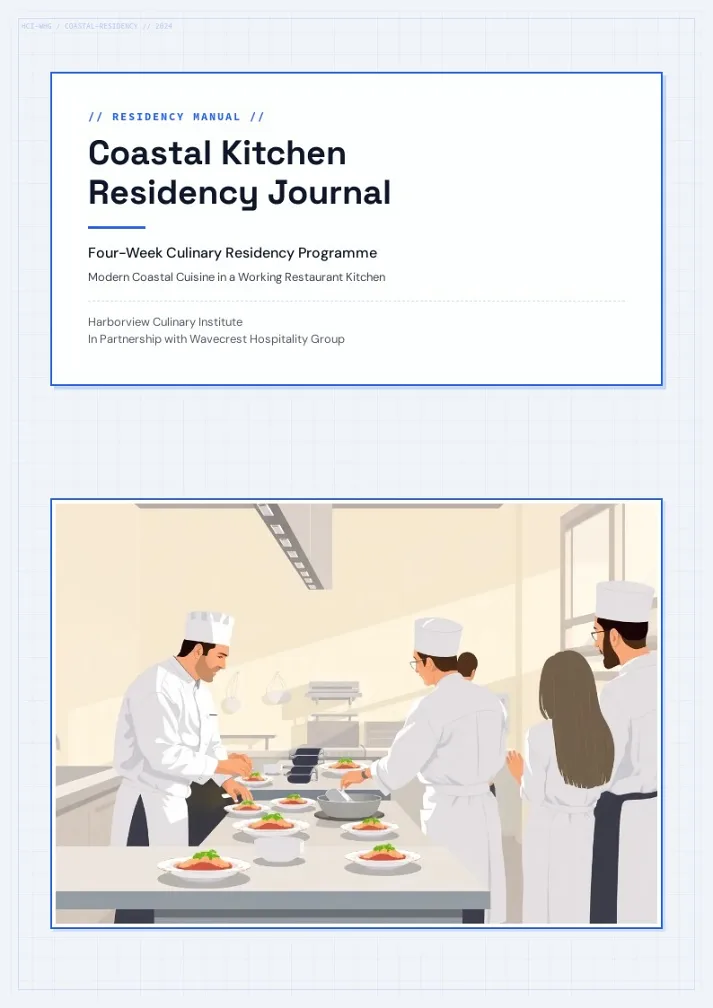
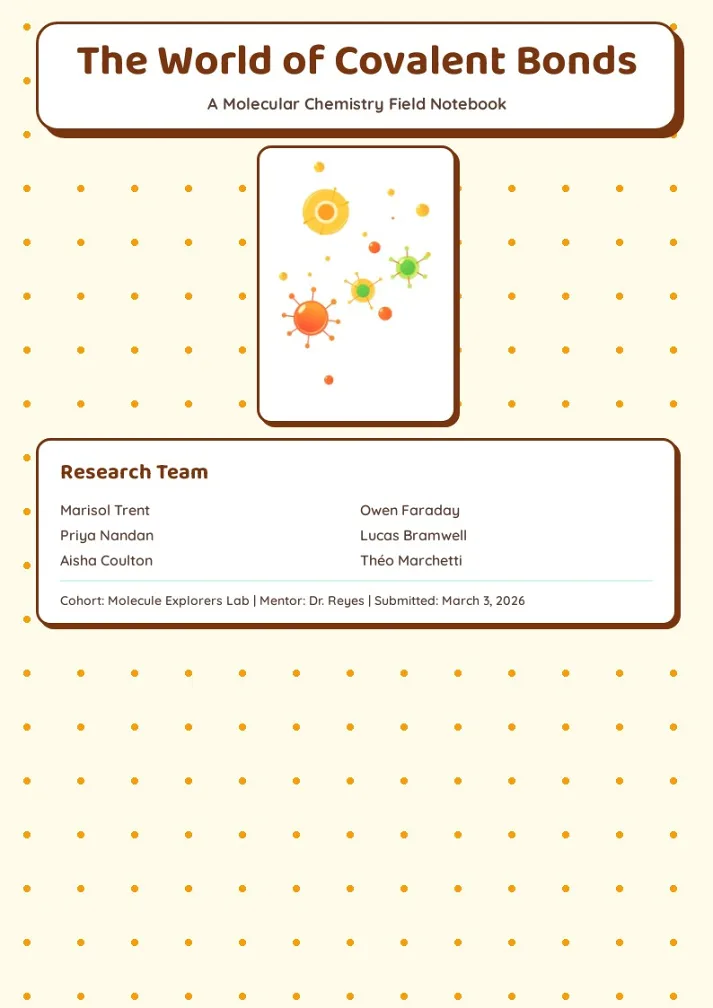
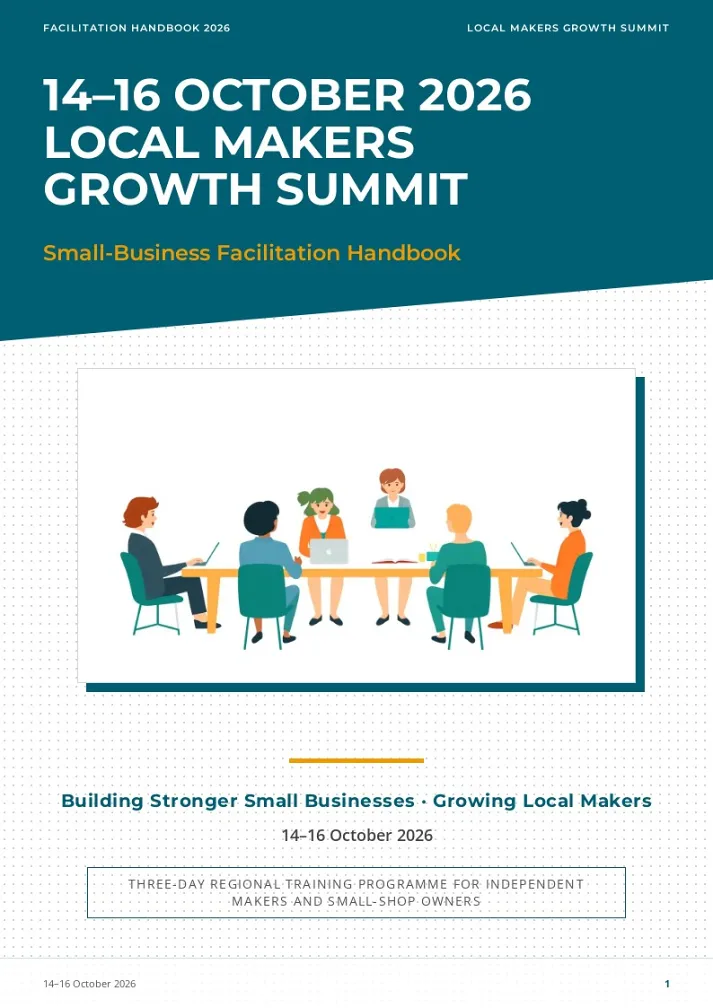
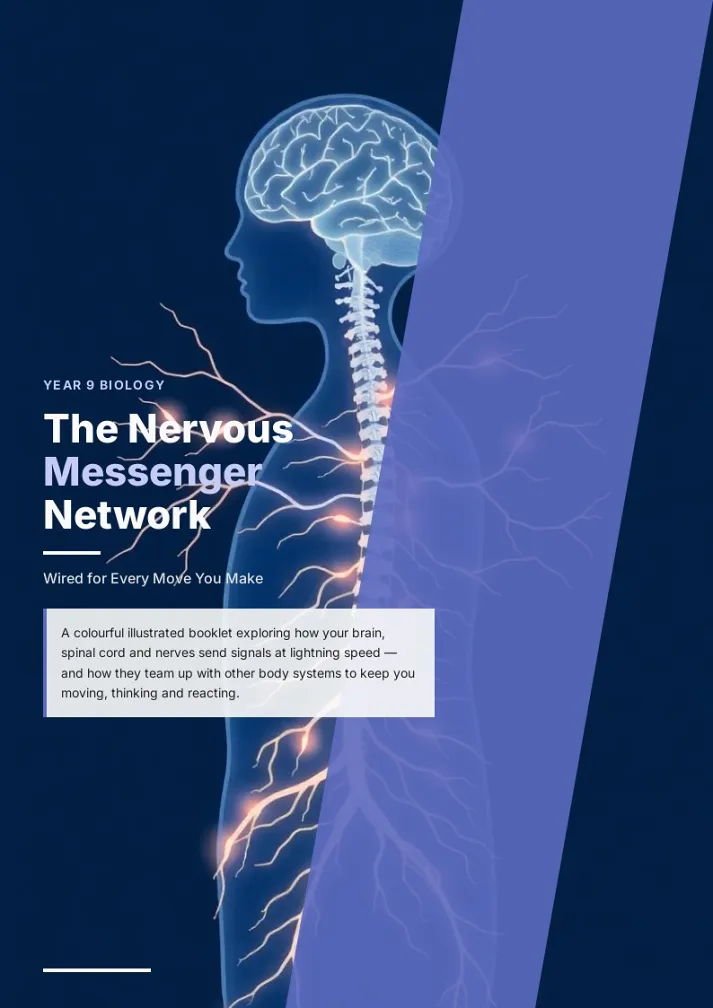
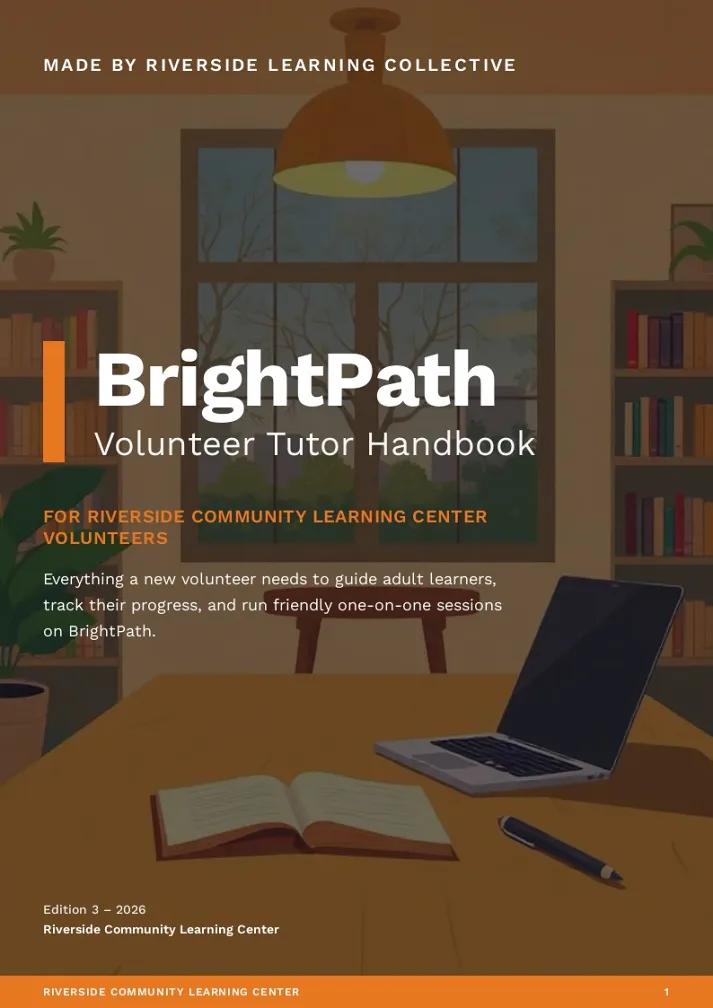
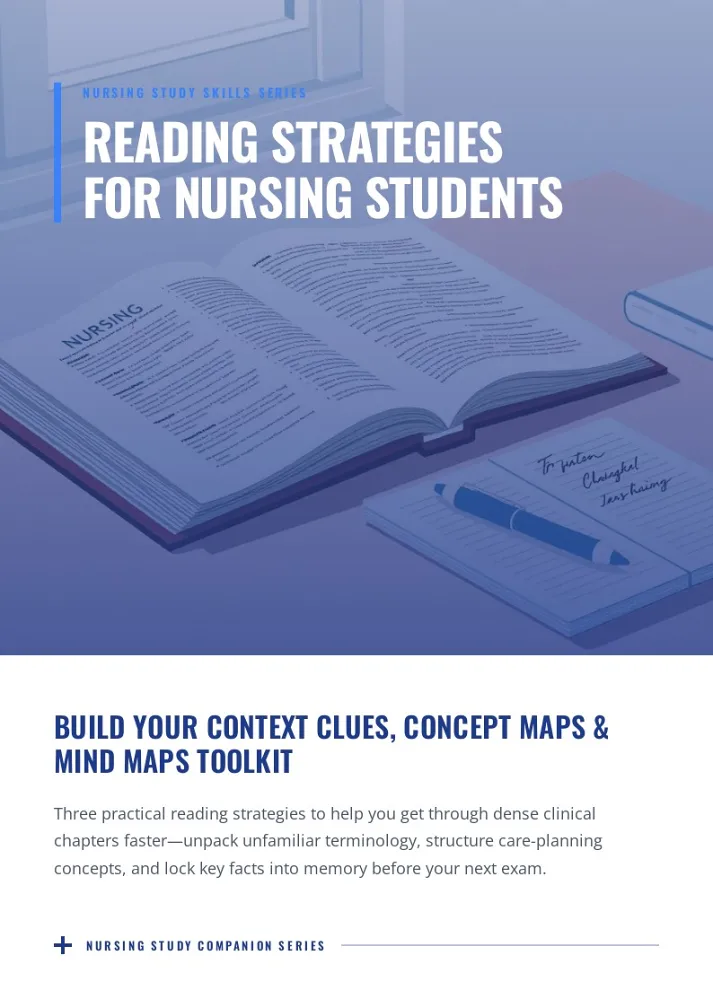
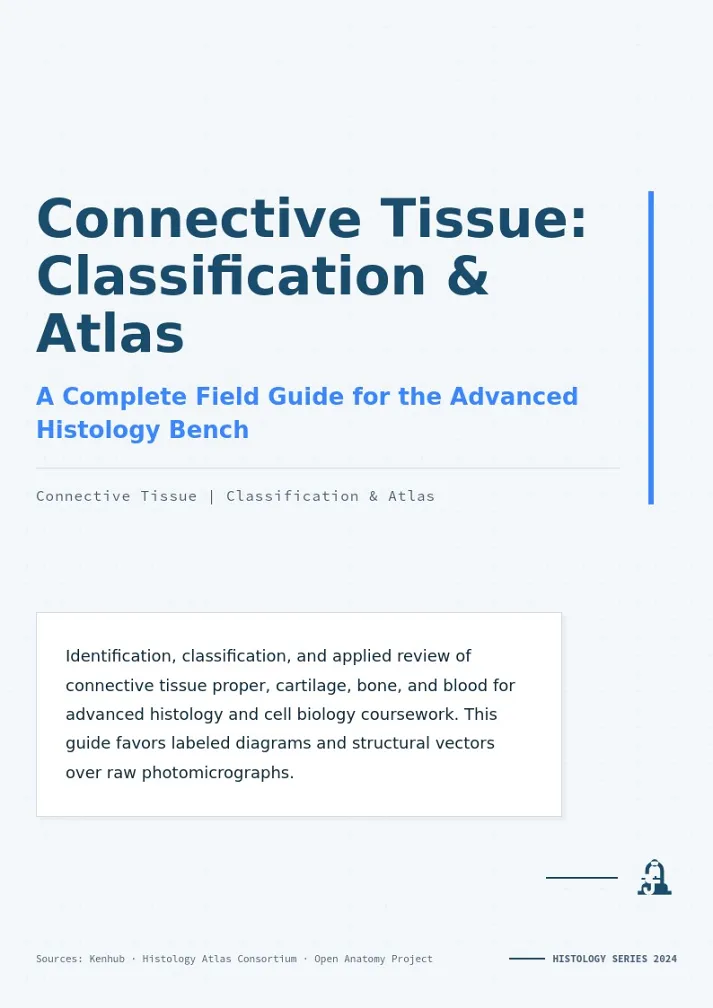
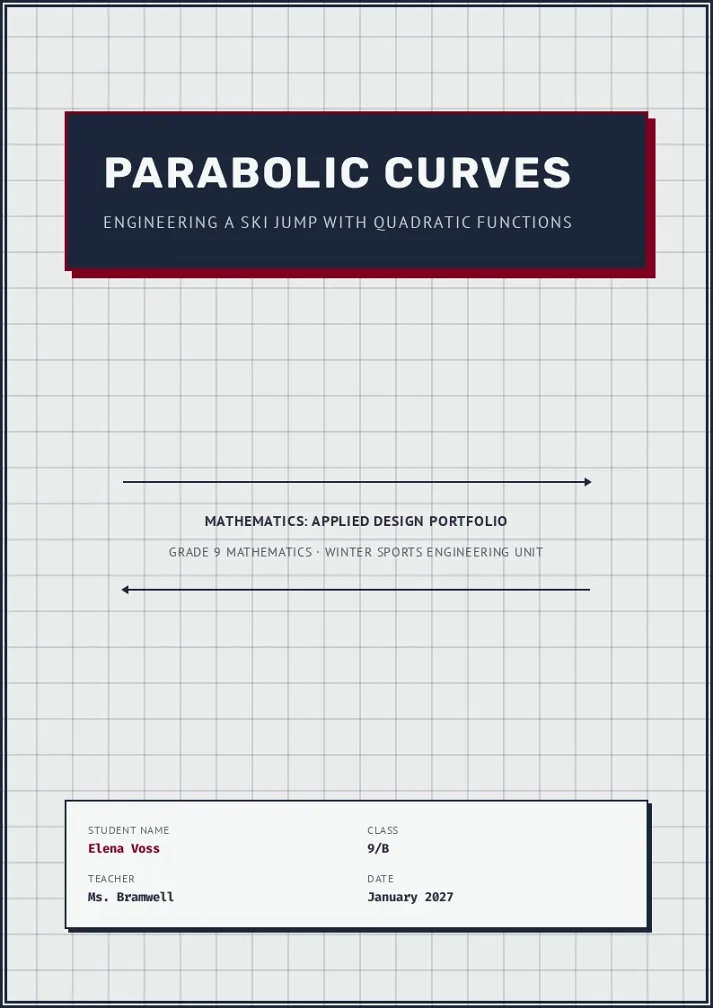
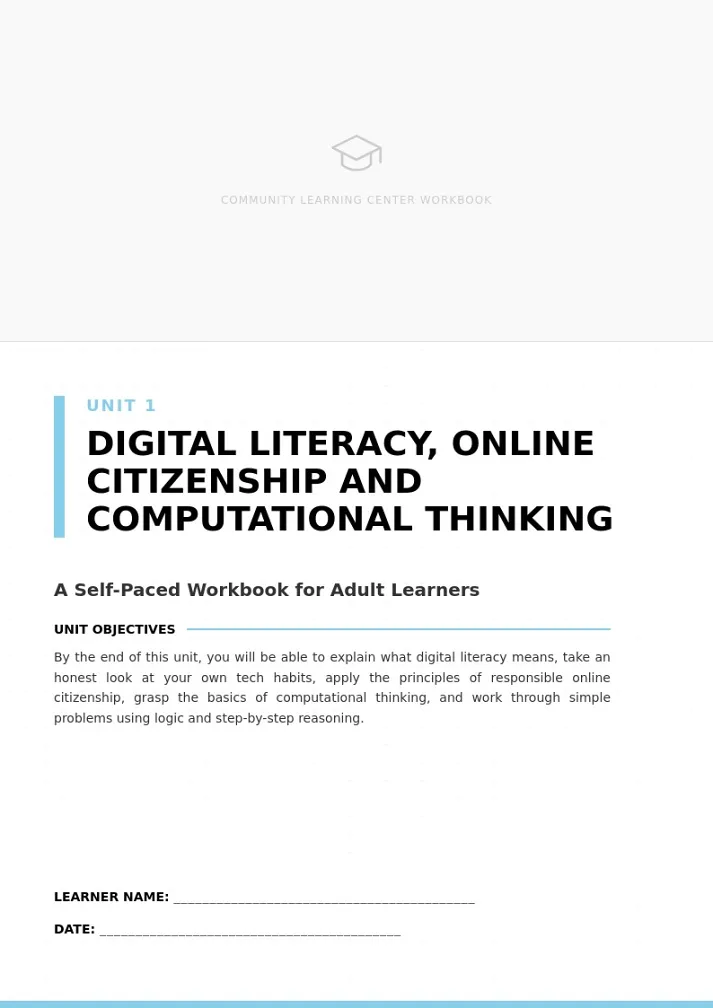
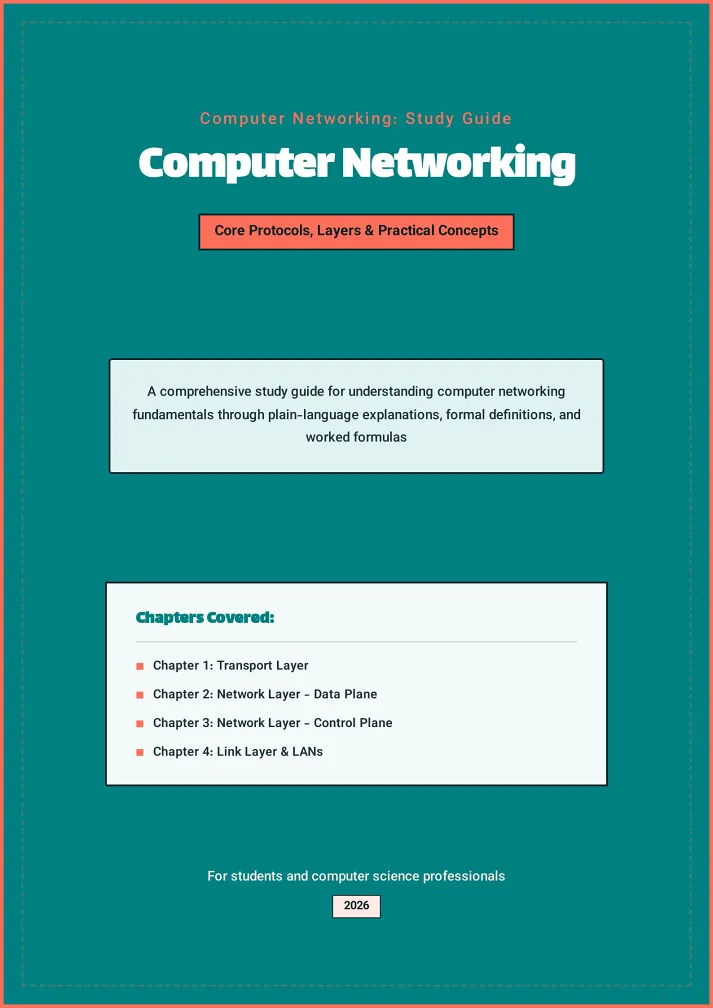
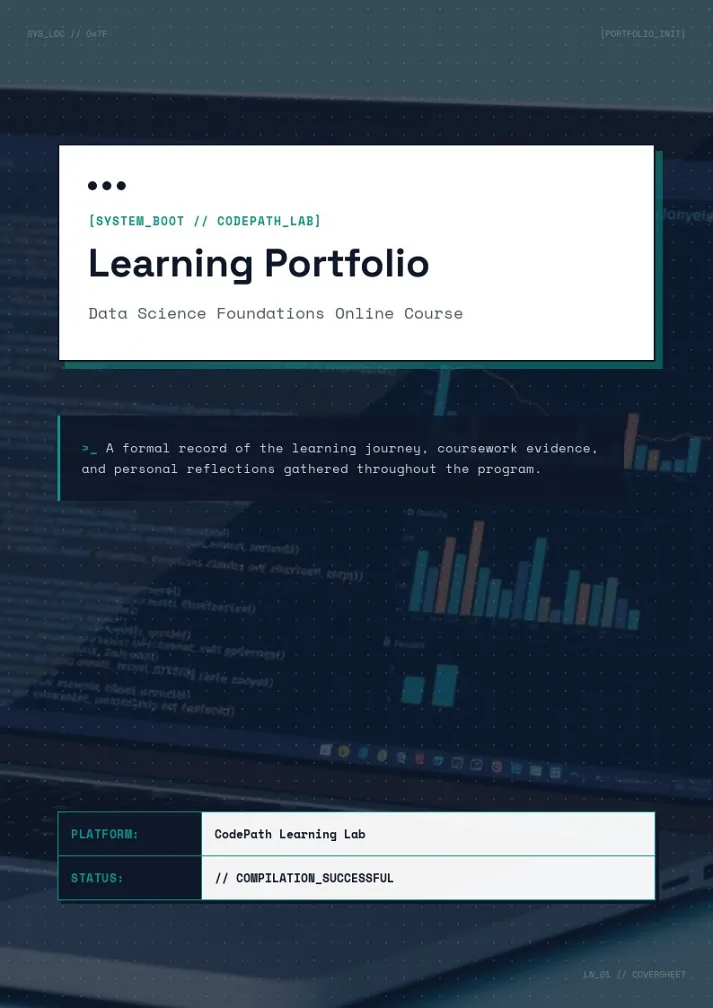
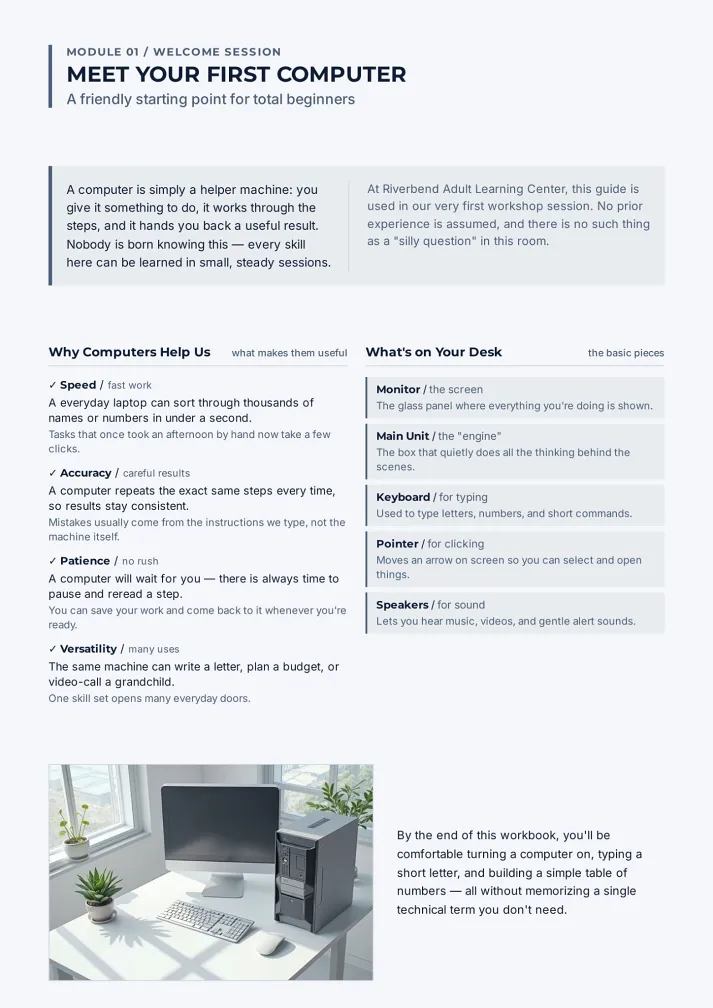
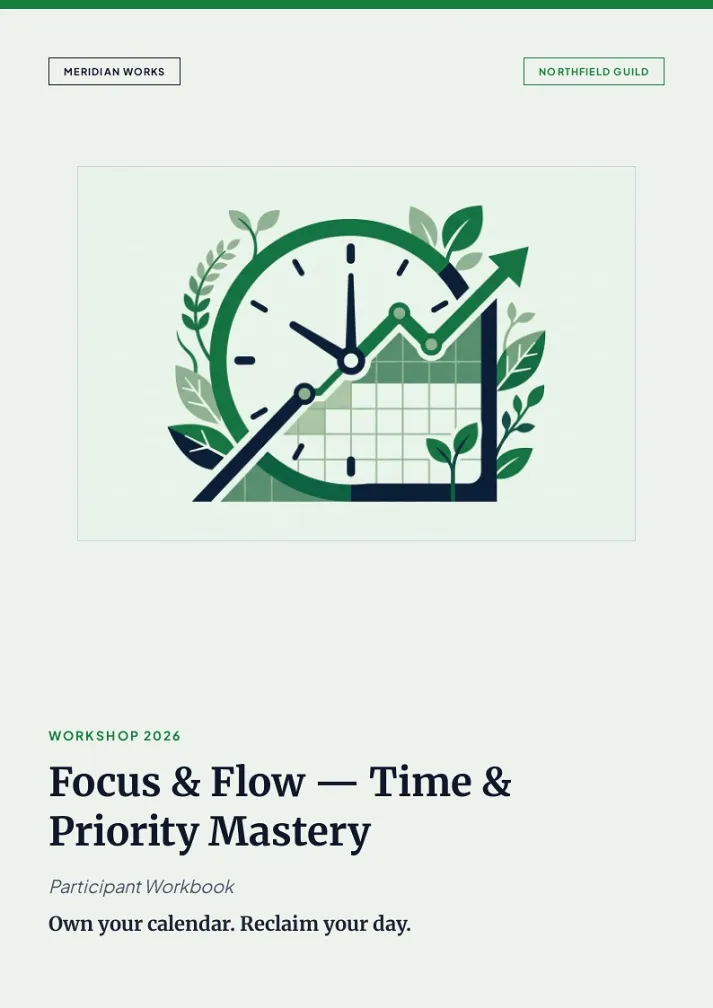
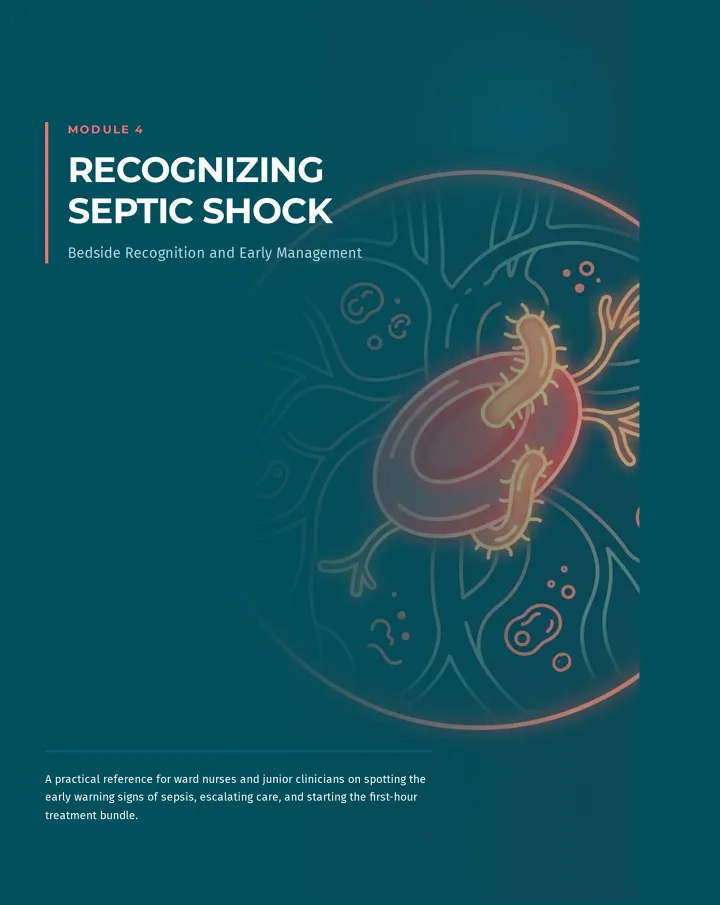
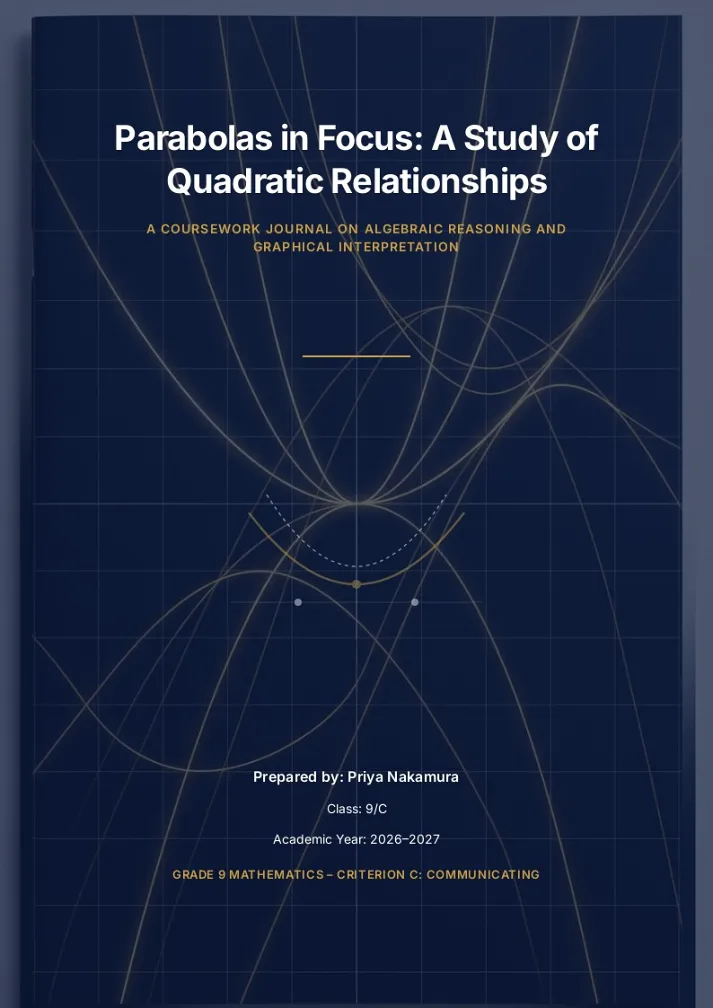
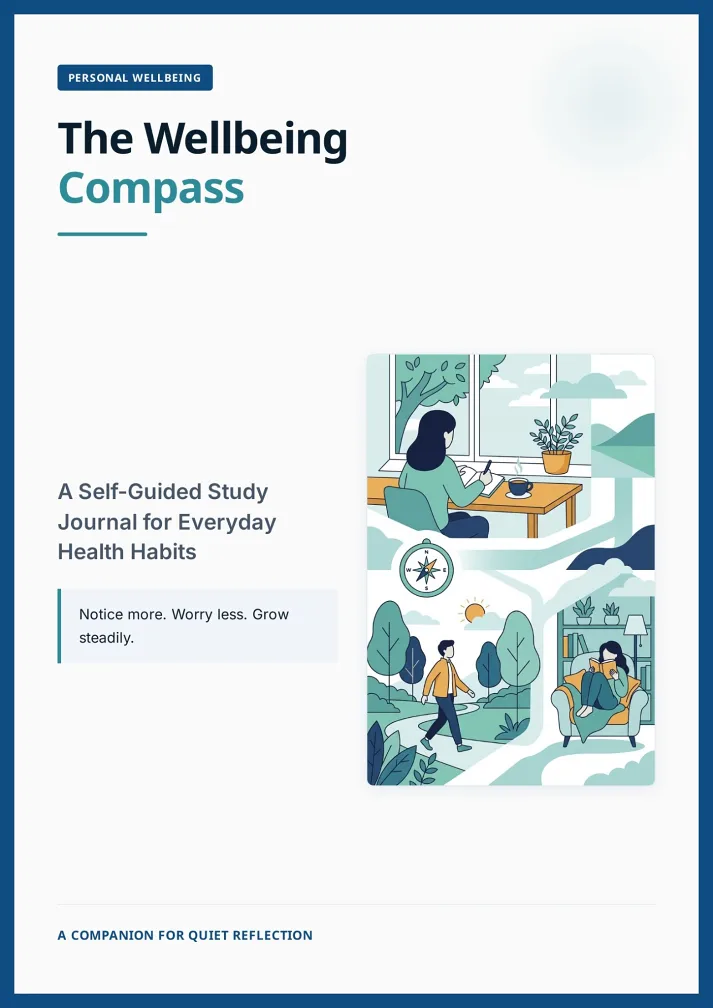
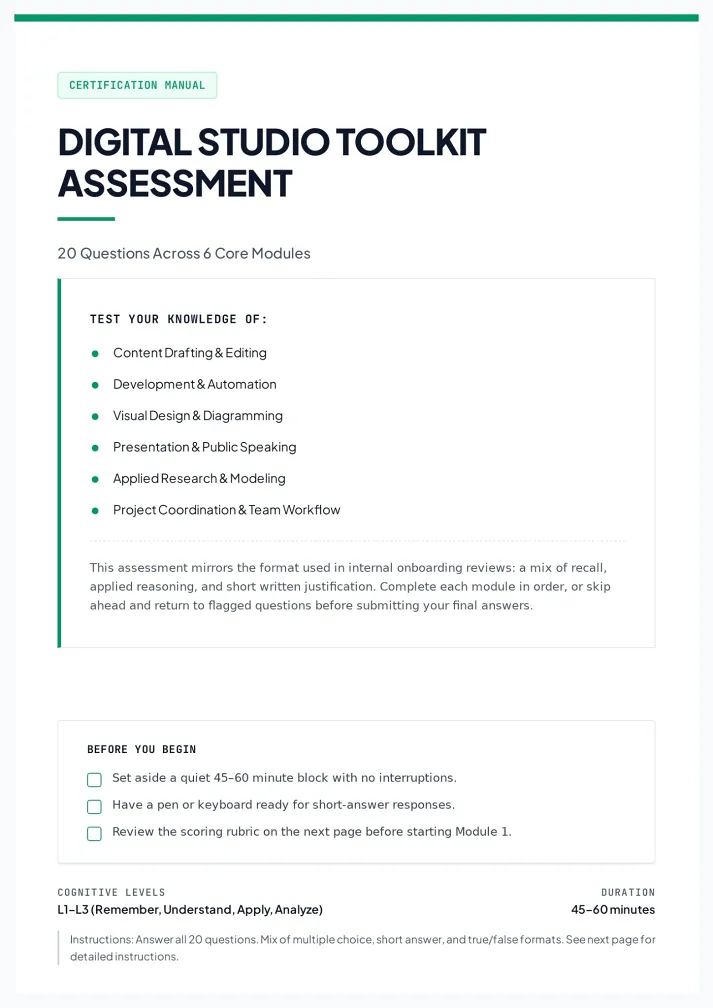
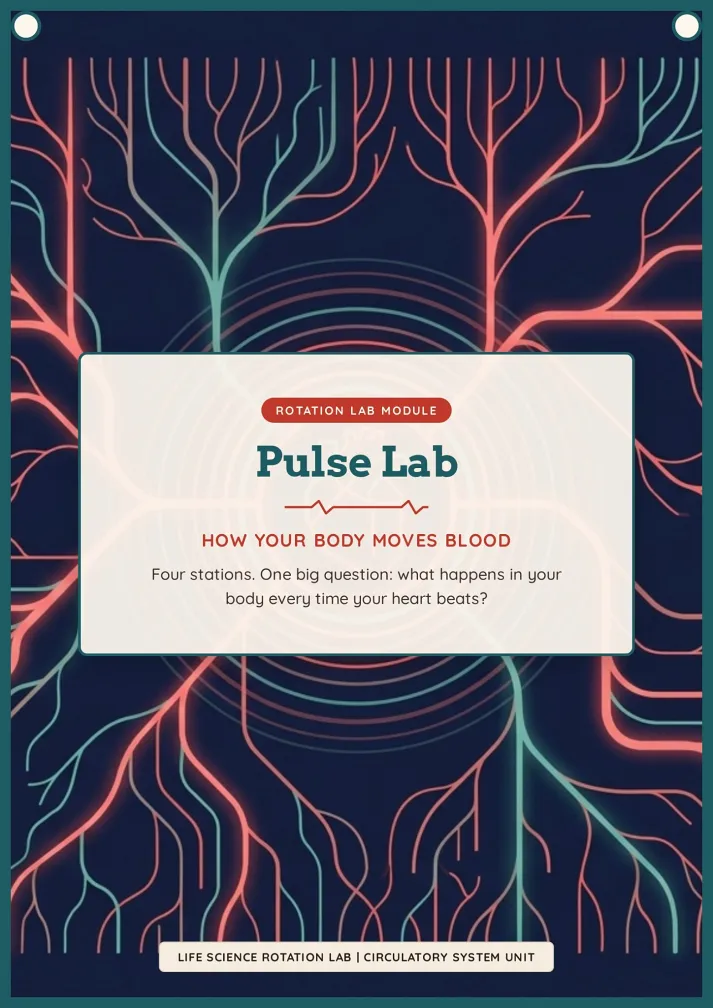
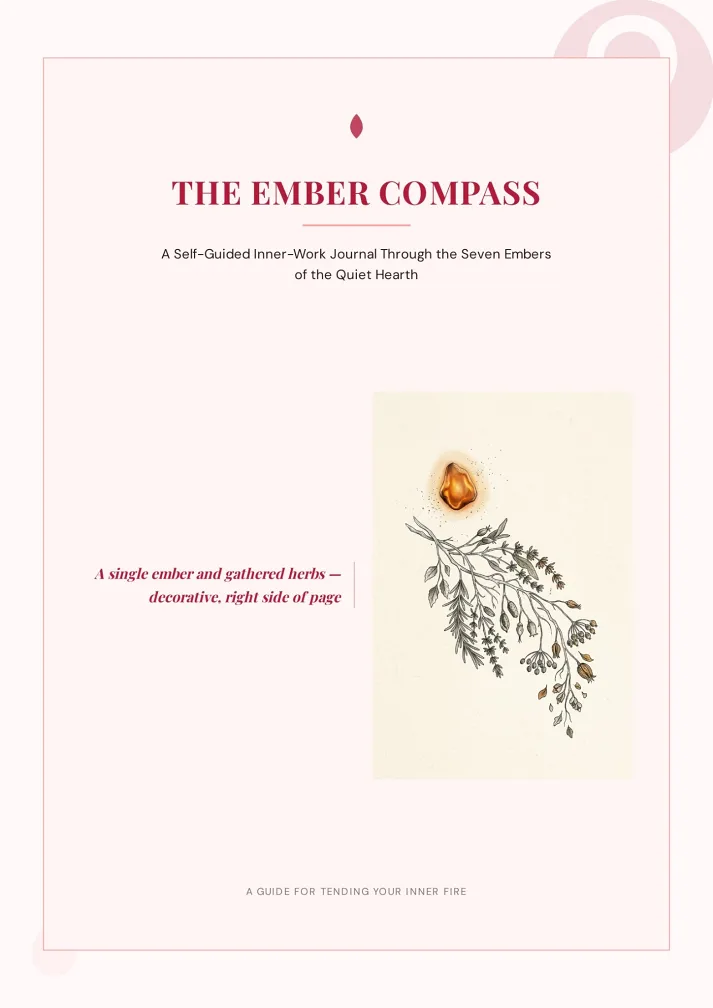
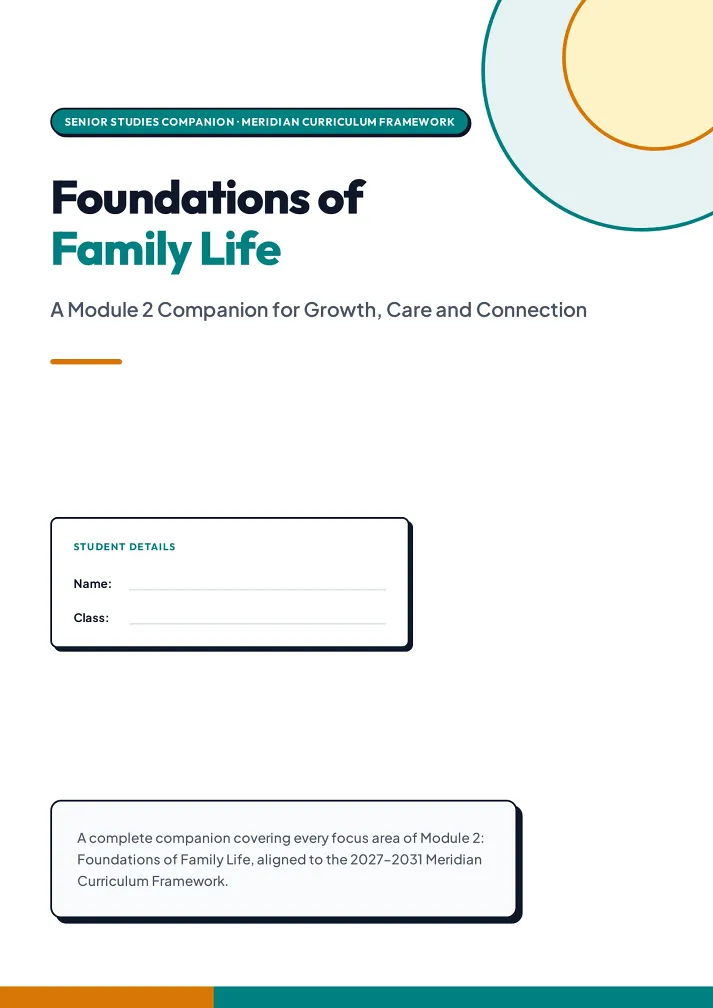
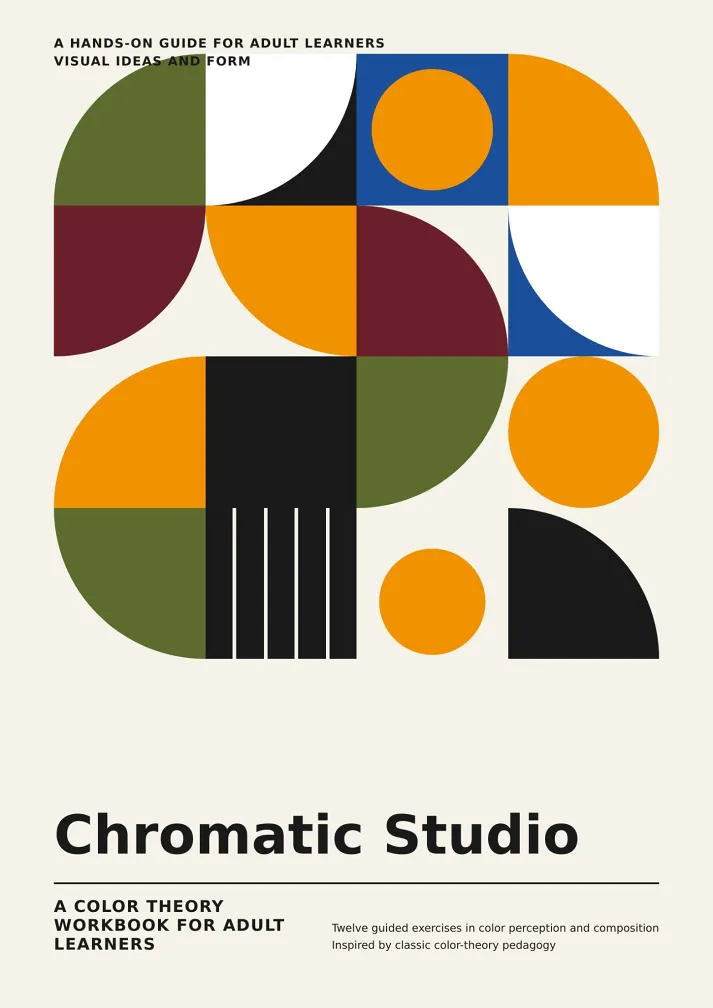
How to convert a video to PDF, in three steps.
Upload, confirm, download. The AI handles everything in between.
Upload your video.
Drop in an MP4, MOV or WEBM. Add a note on what you need, or pick an example.
Confirm the plan.
The AI proposes the outline, page count and design style. Change anything before it builds.
Edit, download, share.
Fix any page by chat or by hand, then download a print-ready PDF or share a link.
Video to PDF for lectures, tutorials and training
Lectures, tutorials and training — the videos you'd rather read than rewatch.
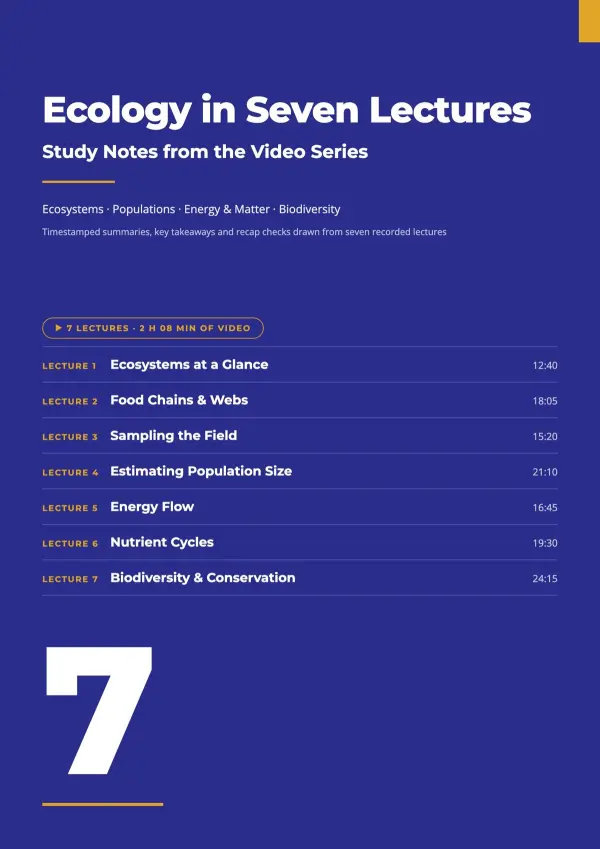
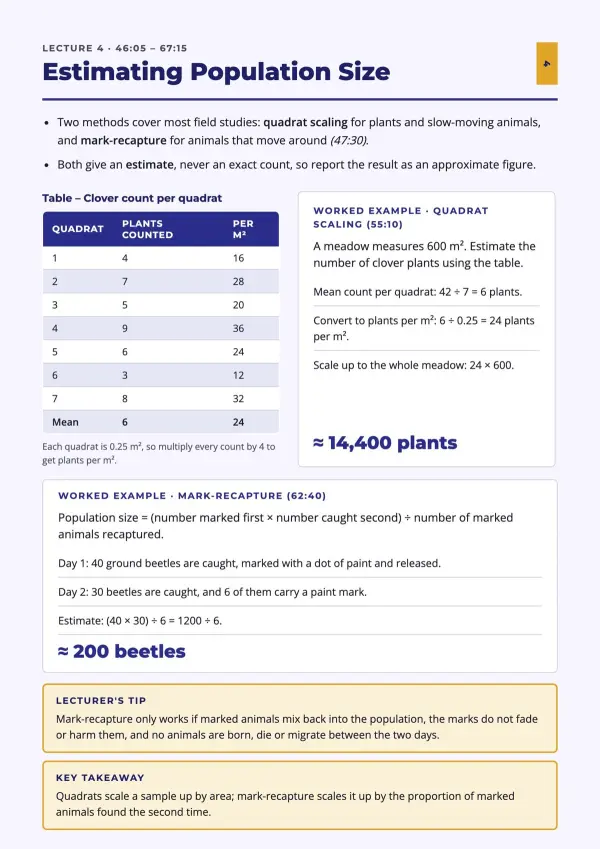
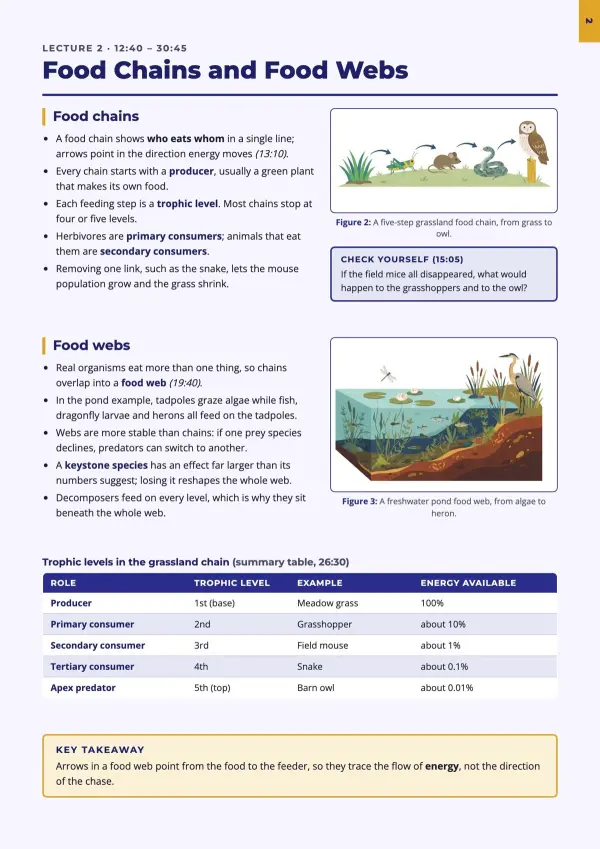
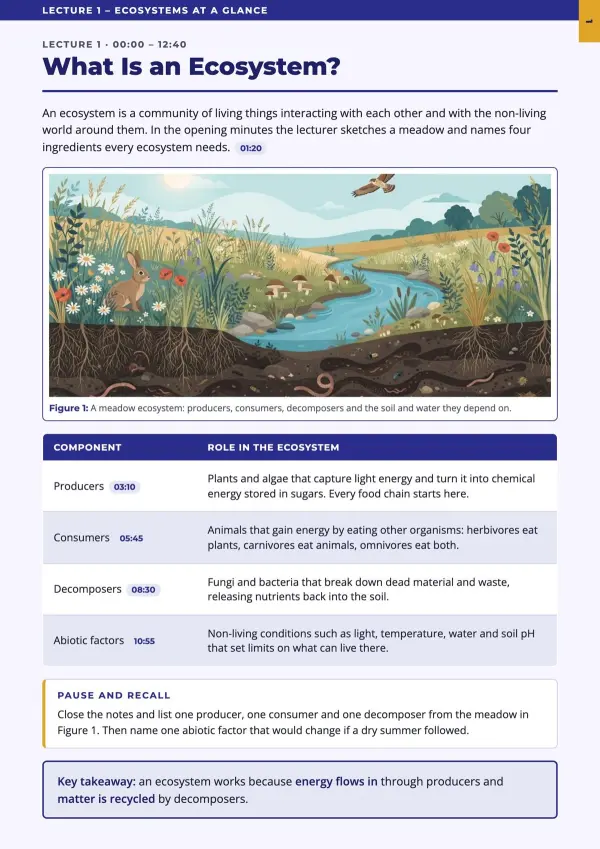
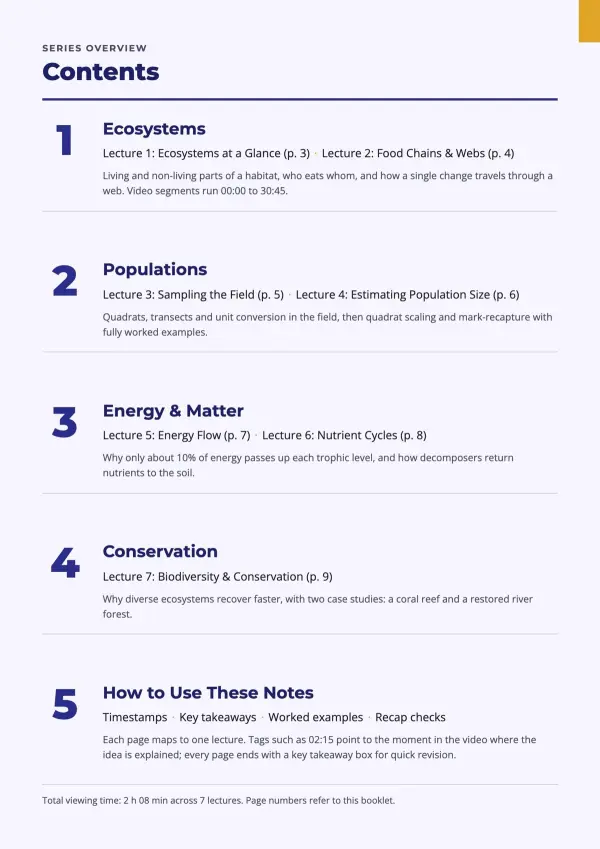
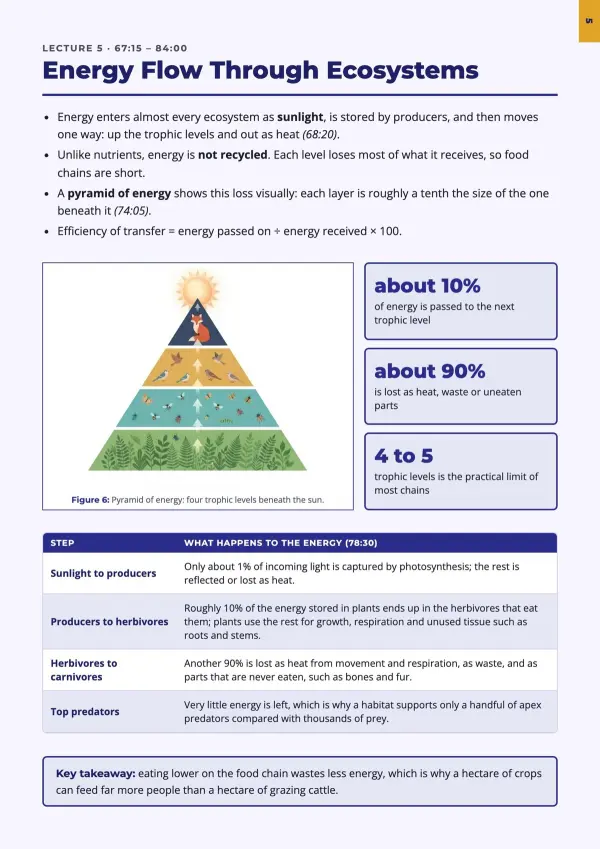
Lectures → study notes.
Your professor never posts the slides. Upload the recording and get study notes — key concepts, formulas and a recap for every chapter — ready to print before the exam.
For students
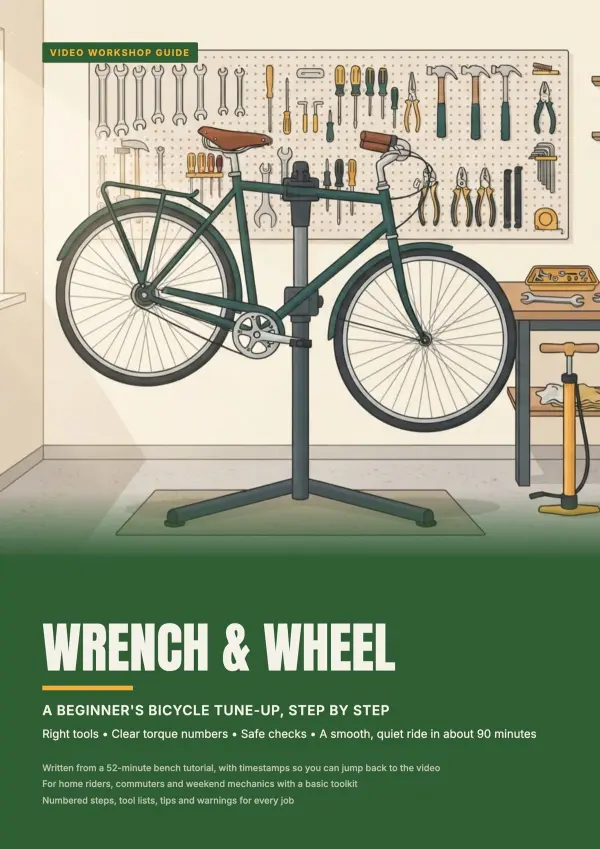
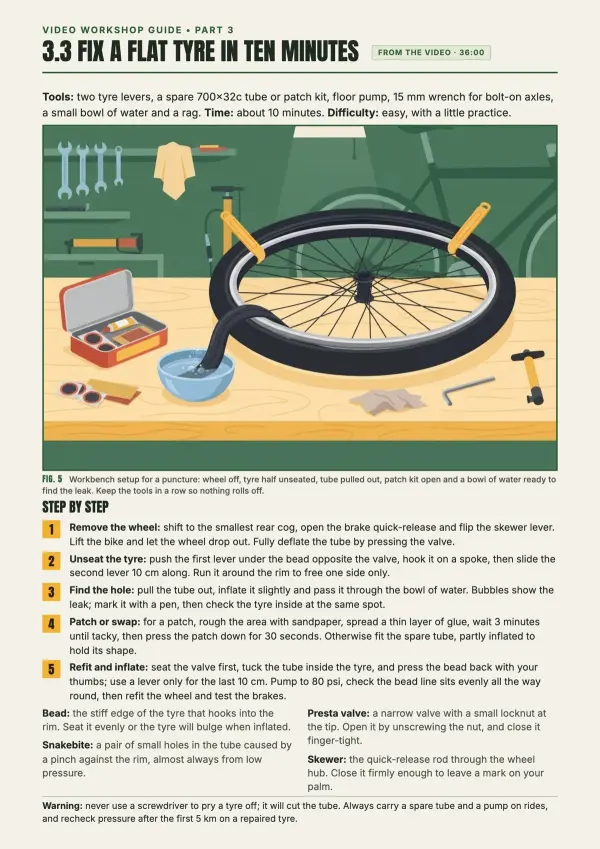
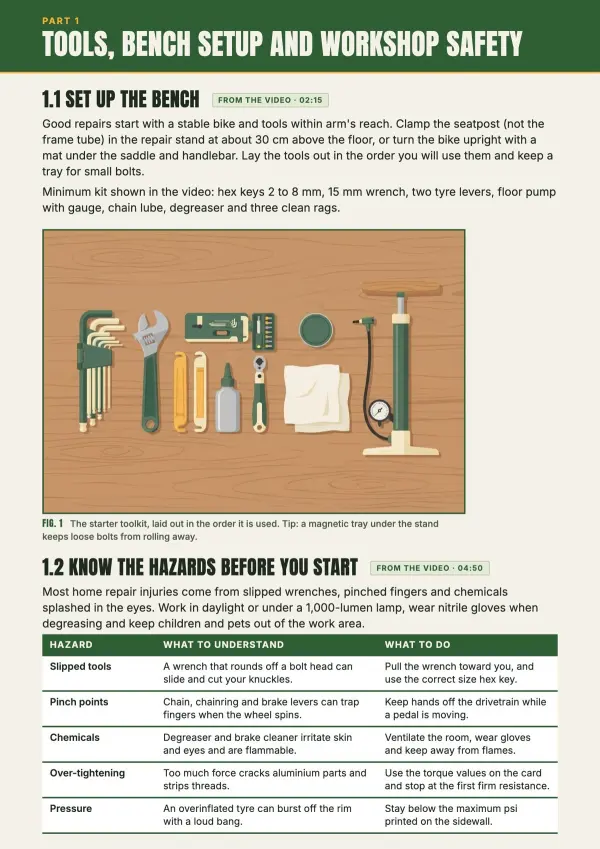
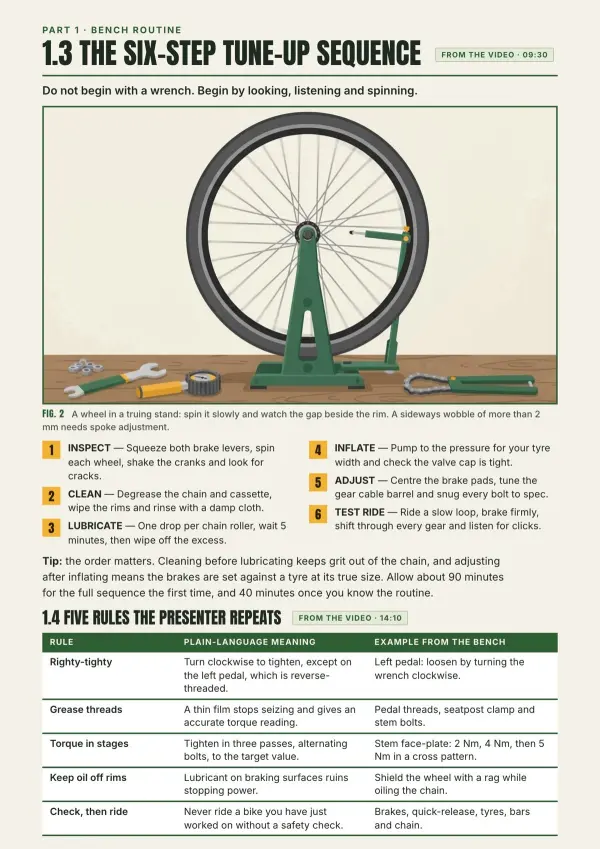
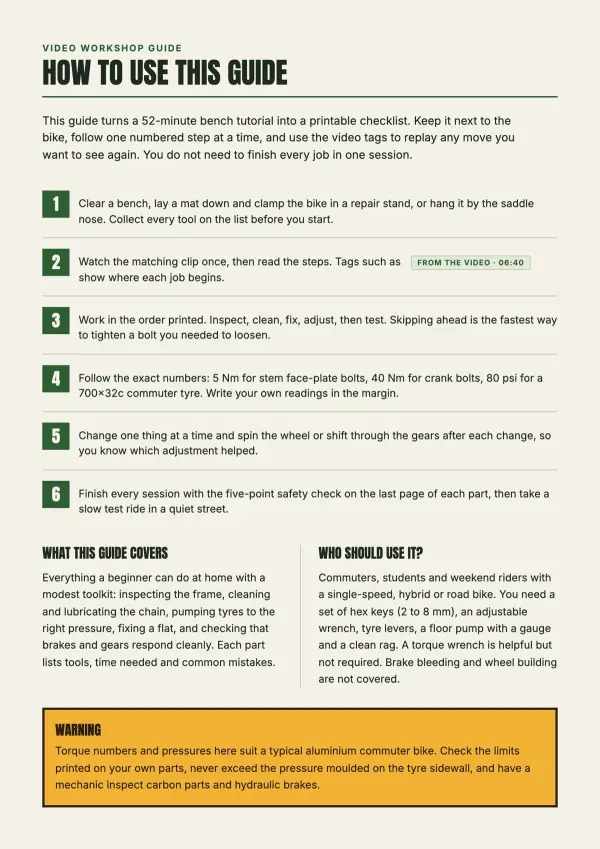
Tutorials → step-by-step guides.
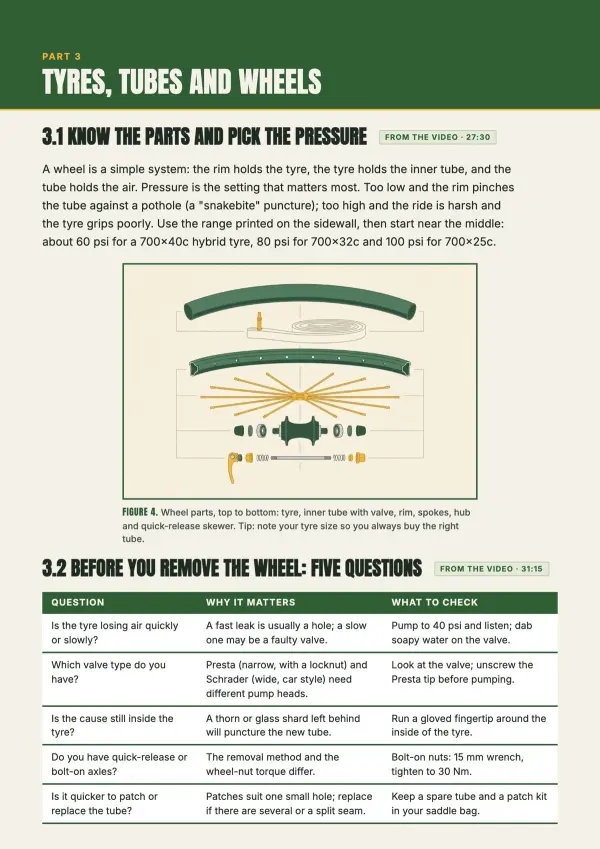
Tired of pausing every few seconds to keep up? Turn any tutorial into numbered steps with the exact tools, buttons and settings named.
For DIY & software how-tos
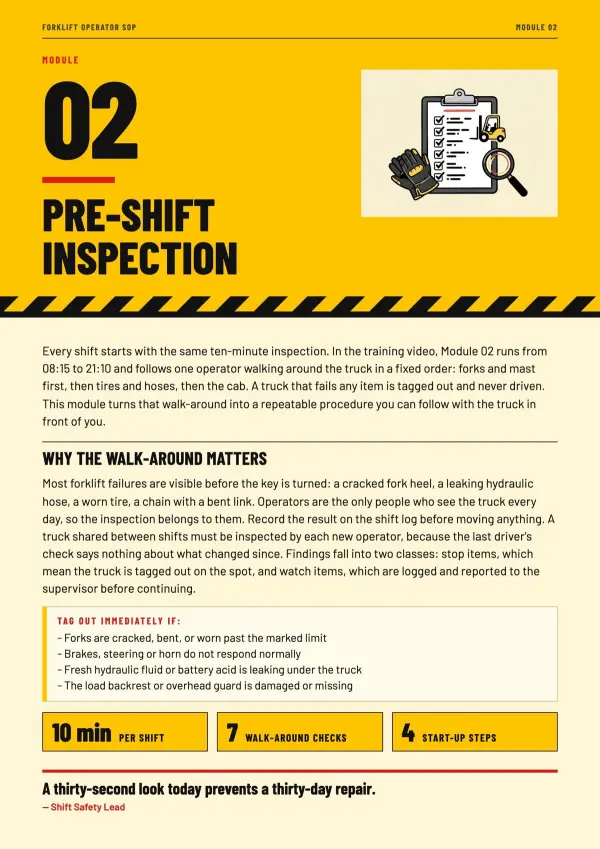
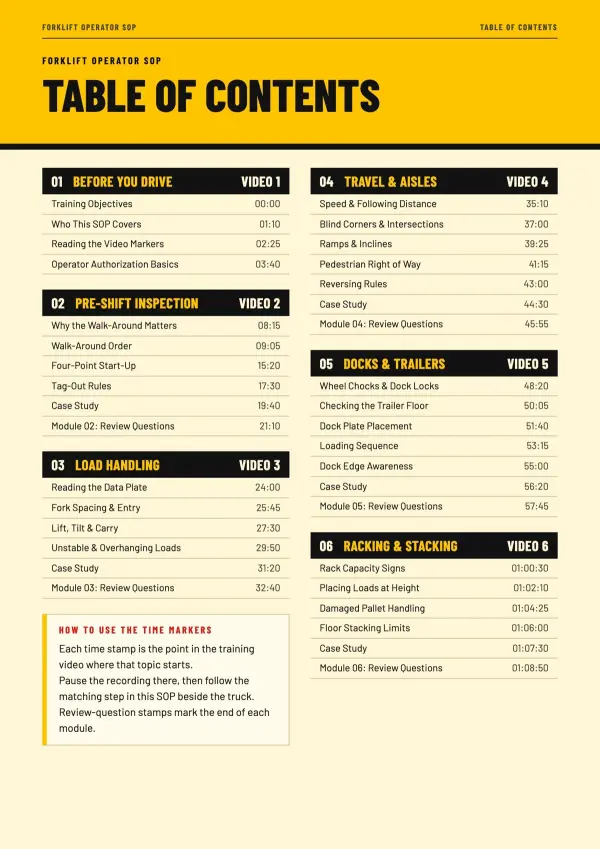
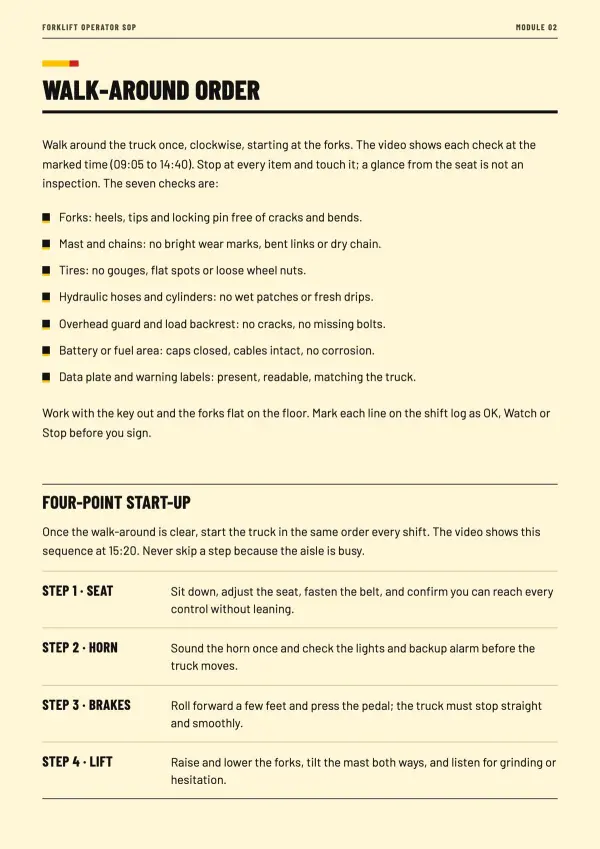
Training videos → SOPs.
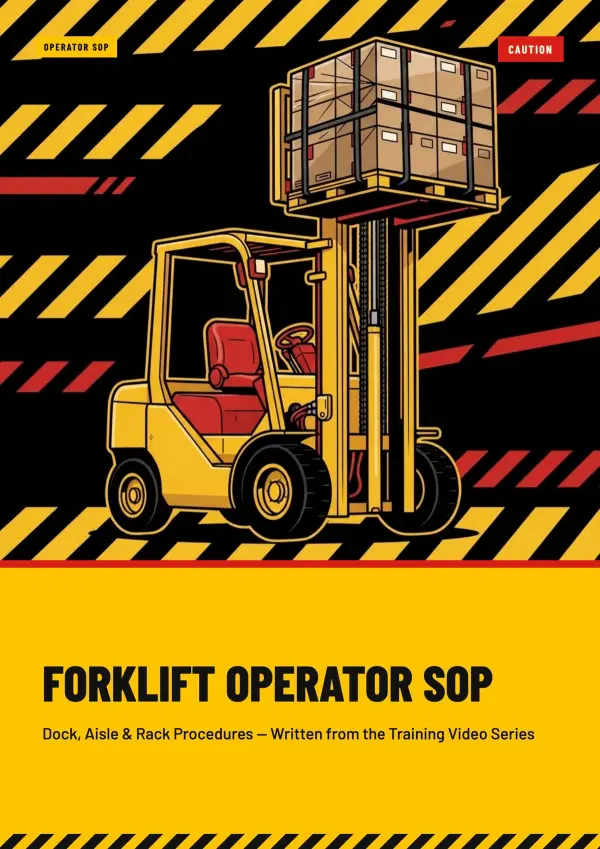
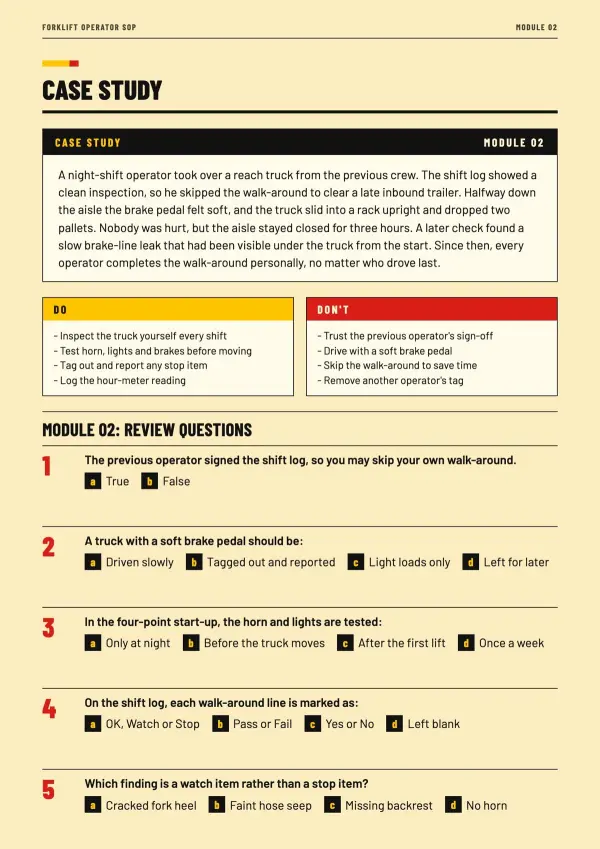
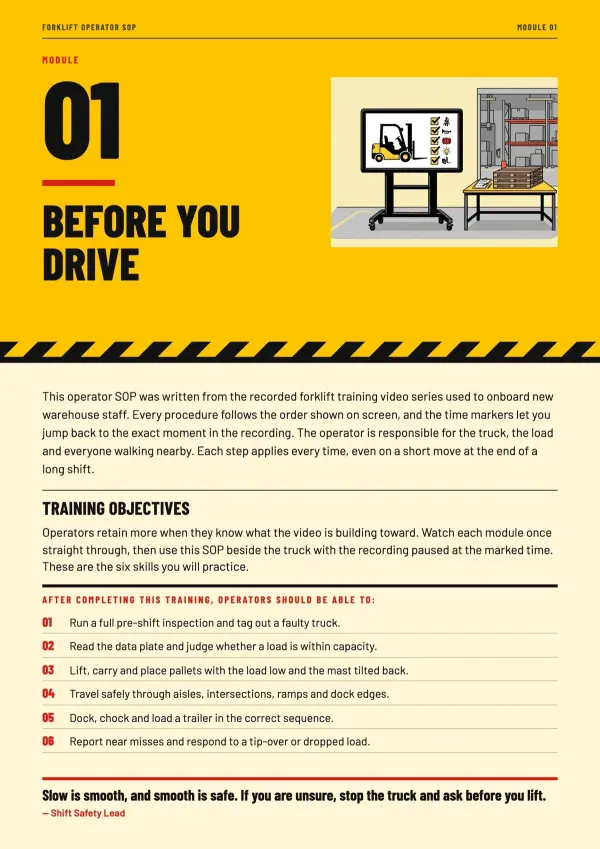
Nobody wants to scrub a 40-minute recording to find step 7. Turn training videos into a manual your team can scan, print and keep on their desks.
For teams & onboarding
A video to PDF converter that reads, then designs.
Every word, every on-screen detail, every chapter — turned into pages worth reading.
Hears and sees
Speech and screen are read together, so "click here" becomes the actual button name.
Chapters, not a wall of text
Topics, steps and key points follow the video's own structure.
Only the frames that matter
No pile of duplicate screenshots — just the frames that explain something.
Designed like a publication
Layouts, type and colour styled page after page, so the PDF looks made by a designer.
Your language
Your PDF comes out in the language spoken in the video — or ask for another one.
Print-ready pages
A4 or Letter, portrait or landscape — pages that print cleanly or share with a link.
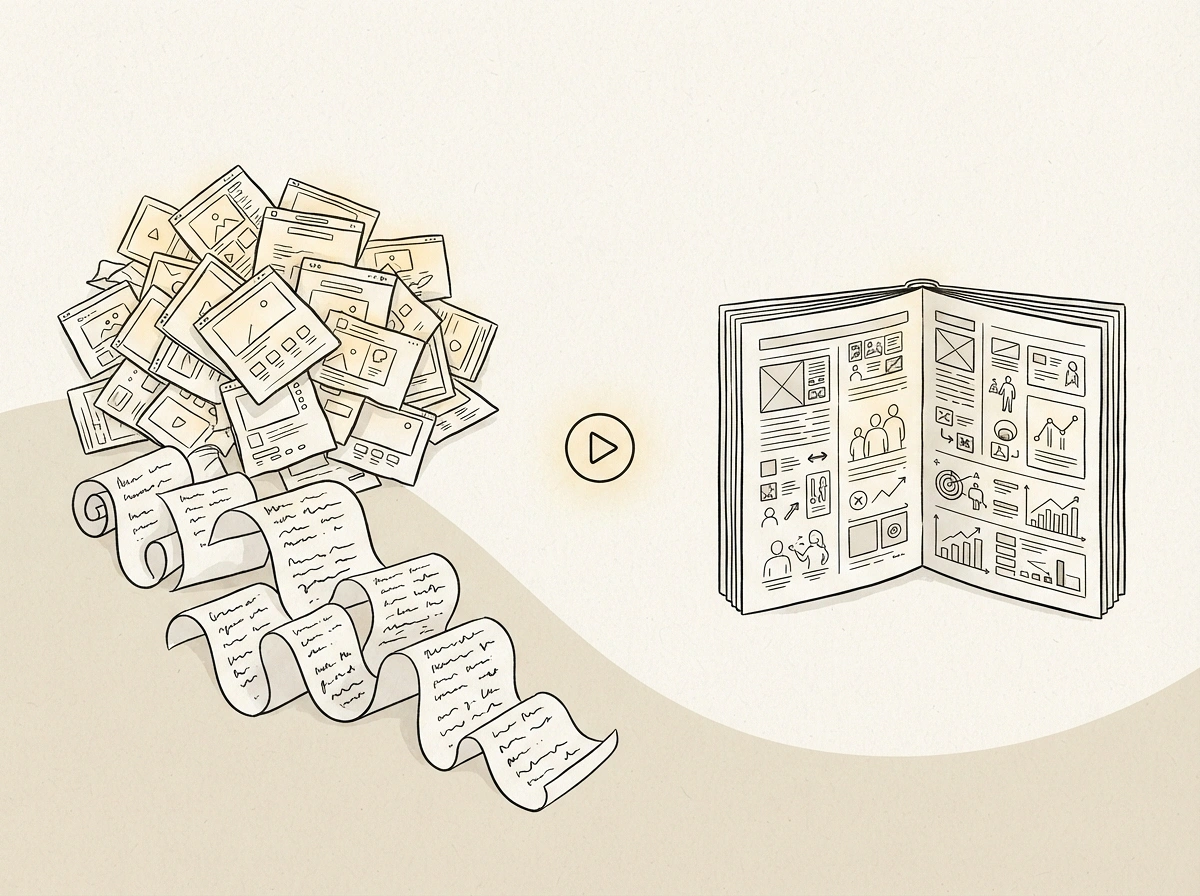
Most video to PDF tools stop at screenshots or a transcript.
Frame grabs and text dumps still leave the hard part to you. We hand you a finished document.
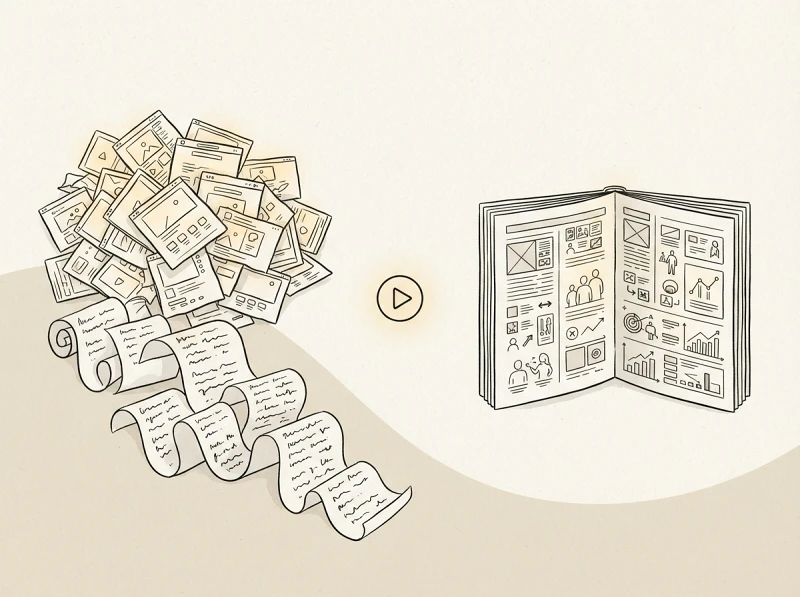
Not a frame dump
Screenshot PDFs fill up with near-identical slides. AI keeps only the frames that add meaning.
Not a transcript wall
Filler and repetition are cut. What stays is organized into headings, steps and highlights.
Edit by chatting
Ask for shorter, simpler or a new style — or fix any page yourself in the visual editor.
Video to PDF FAQ
Common questions about converting videos into designed PDFs.
1
Is this video to PDF converter free?
Yes. New accounts get 300 free credits, no credit card needed. Downloaded PDFs carry a small watermark.
2
How do I convert a video to PDF?
Upload the video, tell the AI what you need (or pick an example), confirm the outline and style, then download the PDF.
3
Does it just take screenshots of my video?
No. The AI watches and listens, rewrites the content into structured pages, and adds only the key frames that help explain a point.
4
Which video formats can I upload?
MP4, MOV and WEBM, up to 100 MB per file.
5
How long can the video be?
Full lectures work. We've converted recordings of over 90 minutes; very long videos may be condensed more.
6
Can I convert a YouTube video to PDF?
Right now you upload the video file itself. If you have the original recording, upload that for the best result.
7
Does it work on videos without narration?
Yes. For silent screen recordings, the AI reads the steps from what happens on screen.
8
Can I turn a lecture video into study notes?
Yes. Ask for study notes and you get key concepts, formulas and a short recap per chapter, laid out for printing.
9
Can it make a step-by-step guide or SOP from a screen recording?
Yes. Steps are numbered and name the exact buttons, menus and values shown on screen.
10
What language will my PDF be in?
The language spoken in the video, unless you ask for another one.
11
Can I edit the PDF before I download it?
Yes. Ask the AI to change any page, or open the visual editor to move, retype or replace things yourself — manual edits are free.
12
Will the PDF print properly?
Yes. Pages are built to the exact paper size you choose (A4, Letter and more), so nothing gets cut off.
13
How is this different from a transcript or summary tool?
Transcripts give you every word; summaries give you a paragraph. You get a structured, designed document you can actually study from or hand to someone.
14
Is my video private?
Your video is only used to create your document. Your PDFs stay private unless you share the link.
Stop rewatching. Start reading.
Upload a video and get a designed, print-ready PDF.